This Samson Q2U review looks at a dynamic microphone built for straightforward computer recording and setups that may later use XLR gear.
Its included desktop stand and cables make it a practical starting point for podcasting or voice recording.
Samson Q2U Review Summary
The quick verdict

5,000+ ratings
Read Amazon ReviewsSamson Q2U
A practical choice for new podcasters and home recordists who want computer-ready USB-C, an XLR connection, and a useful starter setup in one package.
- Dynamic handheld microphone with USB-C and XLR connections.
- Connects directly to a computer with a USB-C interface.
- Includes a tripod desktop stand and tripod extension.
- Includes a microphone clip and windscreen.

Pros
- USB-C enables a direct computer connection when the computer has a USB-C interface.
- XLR connectivity gives it a place in a compatible XLR recording setup.
Consider before buying
- Direct computer use depends on having a USB-C interface available; check your computer connections before choosing it for a plug-in setup.
- Its USB-C connection plugs directly into a computer with a USB-C interface, and the pack includes an XLR cable, desktop stand, mic clip and windscreen. Check whether these connections and accessories meet your recording setup needs.
Read the full review summary
The Q2U brings USB-C and XLR connections together in a dynamic handheld microphone, with a direct USB-C computer connection for a simple recording setup.
The included desktop stand, extension, clip, windscreen, and both connection cables cover several basic placement and connection needs without requiring those accessories to be sourced separately.
It suits someone starting a podcast, recording spoken material at a desk, or wanting the option to connect through either a compatible computer USB-C interface or XLR equipment.
The main appeal is practical flexibility: begin with the included desktop setup, then use the XLR cable when the rest of the recording chain supports it.
The buying factors
Samson Q2U Scorecard
Editorial scores reflect listed features and buyer fit; they are not laboratory measurements or customer ratings.
Connection flexibility
USB-C and XLR support both a direct computer connection and an XLR-based recording setup, giving the microphone room to fit different workflows.
Included desk setup
A desktop tripod, extension, clip, and windscreen are supplied, so the box covers several core setup pieces for voice recording.
Cable coverage
Both USB-C and XLR cables are included, which supports trying either connection type with compatible equipment.
Computer setup convenience
The microphone plugs directly into a computer with a USB-C interface, which can simplify a basic recording arrangement.
Documented recording detail
The dynamic handheld design offers USB-C and XLR connections for recording setups that use either connection.
Starter-pack usefulness
The combination of microphone, desktop stand, extension, clip, windscreen, and two cables is a useful foundation for a first voice-recording setup.
Key Features and Specifications of Samson Q2U
- Dynamic handheld microphone with USB-C and XLR connections.
- Connects directly to a computer with a USB-C interface.
- Includes a tripod desktop stand and tripod extension.
- Includes a microphone clip and windscreen.
- Comes with USB-C and XLR cables.
Pros and Cons of Samson Q2U
Pros
- USB-C enables a direct computer connection when the computer has a USB-C interface.
- XLR connectivity gives it a place in a compatible XLR recording setup.
- The package includes a desktop stand, extension, clip, and windscreen.
- Both USB-C and XLR cables are included for the two connection options.
Consider before buying
- Direct computer use depends on having a USB-C interface available; check your computer connections before choosing it for a plug-in setup.
- Its USB-C connection plugs directly into a computer with a USB-C interface, and the pack includes an XLR cable, desktop stand, mic clip and windscreen. Check whether these connections and accessories meet your recording setup needs.
Who Should Buy Samson Q2U?
Good fit
Choose the Q2U if you want a dynamic microphone that can connect directly to a computer with a USB-C interface and can also connect through XLR.
That combination makes it a sensible fit for a first podcasting or voice-recording setup that may evolve over time.
It is especially convenient for buyers who need a small desk setup, since the package includes a tripod desktop stand, extension, mic clip, windscreen, and the two connection cables.
Those items provide a useful starting point for desk-based spoken-word recording.
It also fits buyers who already have XLR equipment but want a microphone that can connect to a USB-C computer when needed. Check that your intended USB-C interface and recording workflow are compatible before buying.
Who should skip it
Consider a different setup if you specifically need detailed technical recording specifications to compare before purchase, since the available product details here concentrate on the connection choices and bundled accessories.
If your computer lacks a USB-C interface and you want a direct computer connection, verify the rest of your planned signal chain first; the stated direct computer option depends on USB-C.
Samson Q2U Review Analysis
USB-C for a simple start
The direct USB-C connection is the clearest route into computer-based recording, provided the computer has a USB-C interface.
This makes the Q2U approachable for a desk setup where the buyer wants to begin with the microphone and supplied accessories rather than assemble every component separately.
XLR leaves another connection path
Having XLR alongside USB-C makes this more adaptable than a microphone limited to one connection type.
Buyers can choose the connection that matches their current equipment, while the included XLR cable removes one basic accessory from the setup list.
A useful collection of desk accessories
The tripod desktop stand and extension provide a desk-oriented starting point, while the clip and windscreen round out the package.
This bundle is useful for buyers who want core setup items together, though they should still consider whether the supplied stand suits their placement needs.
Check the computer connection first
USB-C computer use has a clear compatibility condition: the computer needs a USB-C interface. Buyers should check their computer and planned recording path before relying on direct connection, especially if they intend to record without separate XLR equipment.
Alternatives to Samson Q2U
Multipurpose Dynamic Microphones alternative
600+ ratings
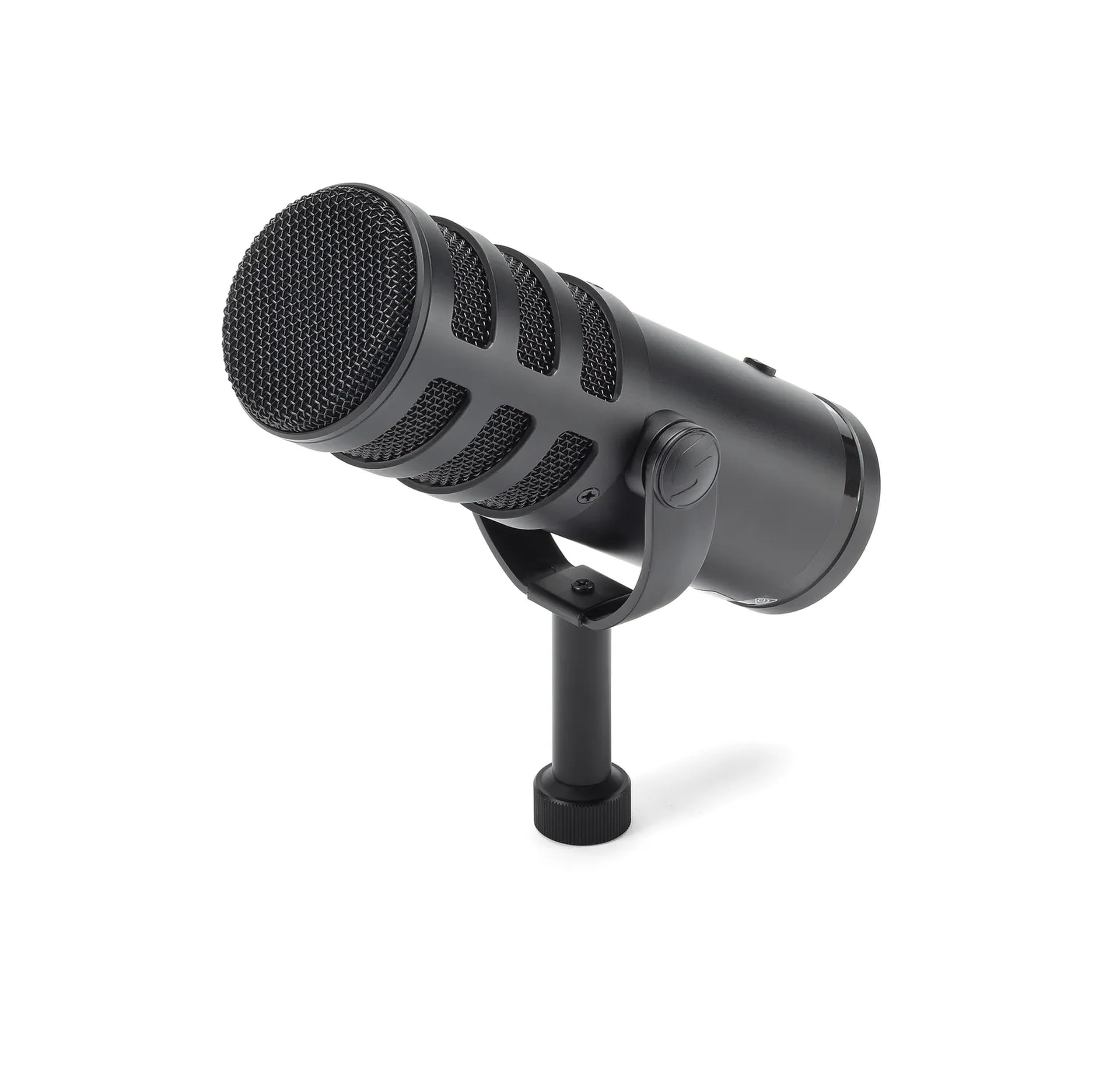
Read Amazon ReviewsSamson Q9U XLR/USB Dynamic Broadcast Microphone
Choose the Q2U for its included desktop setup and direct USB-C computer connection; choose the Q9U if you want zero-latency headphone monitoring, a mute switch, and 24bit/96kHz digital recording.
Both have USB-C and XLR connections, so the deciding factors are the controls and recording features you want.
- The Q9U offers USB-C and XLR, zero-latency headphone monitoring, an onboard mute switch, and digital recording at 24bit/96kHz.
- Those features make it a better fit for buyers who want monitoring and mute controls built into a broadcast-oriented microphone.
- The Q2U provides USB-C and XLR connections and arrives with a desktop stand, extension, clip, windscreen, and both cables, making its included setup particularly useful for a buyer starting from scratch.
Multipurpose Dynamic Microphones alternative
800+ ratings
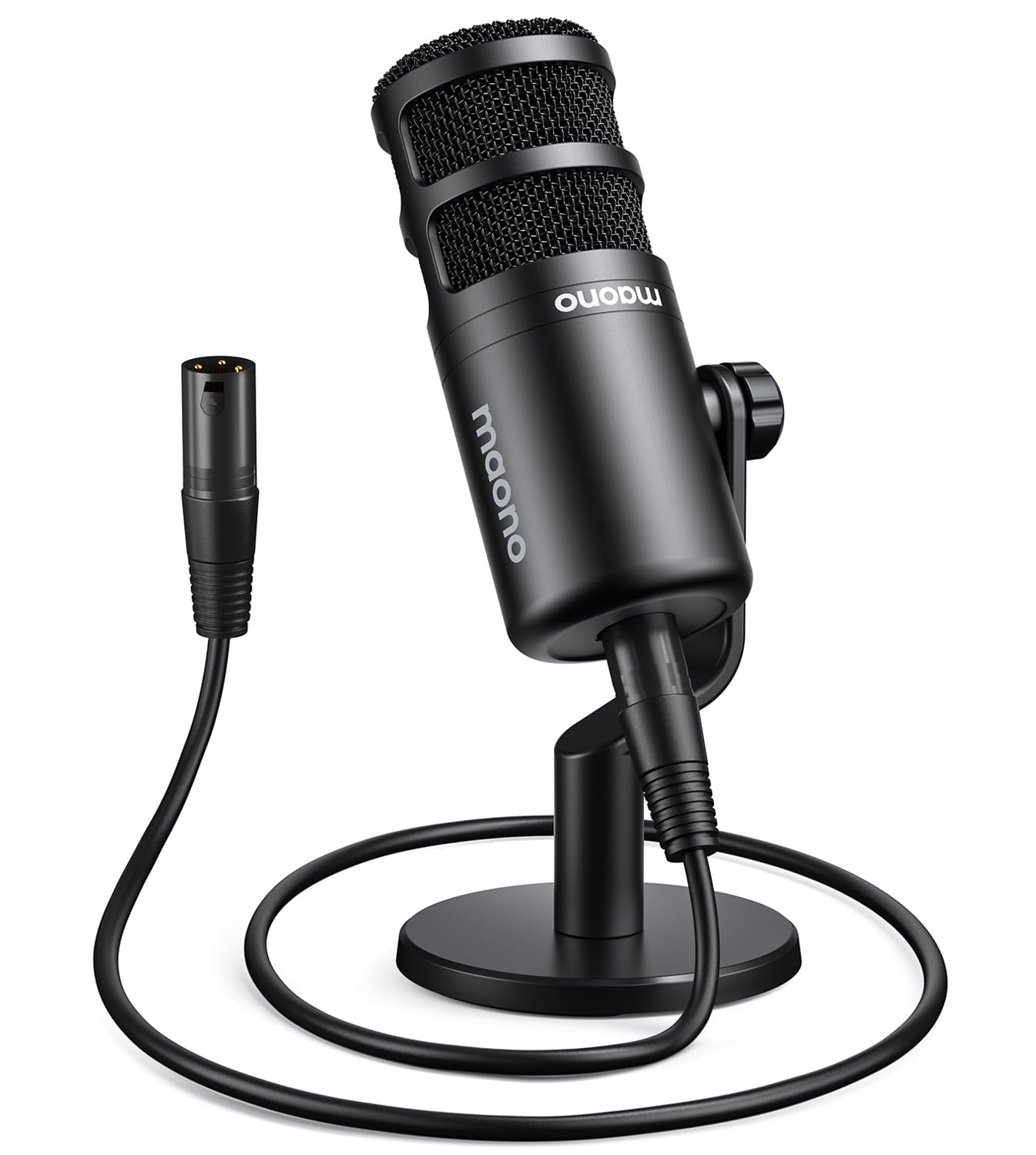
Read Amazon ReviewsMAONO PD100 XLR Podcast Microphone
Choose the Q2U if you want both USB-C and XLR options and a direct USB-C computer connection; choose the PD100 if your setup centers on an audio interface or mixer and you want its desktop stand with a metal base and included XLR cable.
The PD100 is XLR-connected, while the Q2U also supports USB-C.
- The PD100 is an XLR microphone with a metal body and a desktop set that includes a rod extender, round metal base, and XLR cable.
- It works with an audio interface or external mixer, so it suits buyers who already plan to use that equipment.
- The Q2U can plug directly into a computer with a USB-C interface and includes USB-C and XLR cables, giving buyers two connection options alongside a desktop tripod setup.
Is Samson Q2U Worth It?
The Samson Q2U is worth considering for a first podcasting or desk voice-recording setup when you want both USB-C and XLR connections with core accessories in the box.
Its direct USB-C computer connection and included desktop stand, extension, clip, windscreen, and cables make the package easy to plan around.
Buy it if those connection options and starter accessories match your workflow, after checking USB-C compatibility with your computer.
Buyers whose priorities include more detailed recording specifications should compare those needs carefully before deciding, since the strongest case for the Q2U is its flexible connectivity and ready-to-use desktop bundle.
Your review at a glance
5,000+ ratings
Read Amazon ReviewsSamson Q2U
A practical choice for new podcasters and home recordists who want computer-ready USB-C, an XLR connection, and a useful starter setup in one package.
- Dynamic handheld microphone with USB-C and XLR connections.
- Connects directly to a computer with a USB-C interface.
- Includes a tripod desktop stand and tripod extension.
- Includes a microphone clip and windscreen.