This TP Link AXE5400 review looks at the TP-Link Archer AXE75, a tri-band WiFi 6E router with a 6 GHz band, OneMesh support and VPN features.
Archer AXE75 Review Summary
The quick verdict

5,000+ ratings
Read Amazon ReviewsTP-Link Archer AXE75
A WiFi 6E router to consider for homes seeking a dedicated 6 GHz band, mesh expansion and built-in VPN options.
- Tri-band WiFi 6E router with 6 GHz, 5 GHz and 2.4 GHz bands.
- Up to 5400 Mbps combined WiFi speed, with band-specific figures of 2402 Mbps, 2402 Mbps and 574 Mbps.
- Supports 160 MHz channels and a 2.5Gbps WAN port.
- OFDMA and tri-band technology are designed to increase capacity for simultaneous transmissions.

Pros
- A dedicated 6 GHz band adds another option for compatible WiFi 6E devices.
- Tri-band operation and OFDMA target simultaneous use across multiple devices.
Consider before buying
- The 6 GHz band is most relevant when the devices you want to connect can use WiFi 6E; check device compatibility before buying.
- Most internet providers require a separate modem, so factor existing modem compatibility into setup planning.
Read the full review summary
The Archer AXE75 is a fit for households that want three WiFi bands, including 6 GHz, for simultaneous browsing, streaming and gaming.
The 6 GHz band may be useful for compatible devices that can take advantage of its additional bandwidth; it does not make every connected device faster automatically.
It also combines OneMesh expansion, VPN server and client support, and HomeShield tools such as basic parental controls and security scanning.
Buyers should confirm that their internet plan, modem and client devices align with the network features they plan to use.
The buying factors
Archer AXE75 Scorecard
Editorial scores reflect listed features and buyer fit; they are not laboratory measurements or customer ratings.
WiFi band flexibility
Three bands include 6 GHz, giving compatible devices an additional band to use alongside 5 GHz and 2.4 GHz.
Device capacity features
OFDMA and tri-band operation are intended to increase capacity for simultaneous device transmissions.
Wired connectivity
The 2.5Gbps WAN port offers a multi-gig connection point, while the stated port detail does not establish a broader multi-gig LAN setup.
Mesh expansion
OneMesh support allows expansion with a compatible TP-Link OneMesh extender for broader home coverage.
Network controls
VPN server and client functions plus basic HomeShield security and parental controls add useful network management options.
Setup flexibility
The router works with major internet providers, with a modem required for most providers, so existing equipment may affect setup.
Key Features and Specifications of Archer AXE75
- Tri-band WiFi 6E router with 6 GHz, 5 GHz and 2.4 GHz bands.
- Up to 5400 Mbps combined WiFi speed, with band-specific figures of 2402 Mbps, 2402 Mbps and 574 Mbps.
- Supports 160 MHz channels and a 2.5Gbps WAN port.
- OFDMA and tri-band technology are designed to increase capacity for simultaneous transmissions.
- OneMesh can create a mesh network with a TP-Link OneMesh extender.
- VPN server and client support includes OpenVPN, PPTP and L2TP.
- HomeShield includes basic network security, parental controls, QoS and periodic reports.
Pros and Cons of Archer AXE75
Pros
- A dedicated 6 GHz band adds another option for compatible WiFi 6E devices.
- Tri-band operation and OFDMA target simultaneous use across multiple devices.
- OneMesh supports expansion using a compatible TP-Link extender.
- VPN server and client functions are built into the router's feature set.
- Basic parental controls and network security tools offer useful home network management.
Consider before buying
- The 6 GHz band is most relevant when the devices you want to connect can use WiFi 6E; check device compatibility before buying.
- Most internet providers require a separate modem, so factor existing modem compatibility into setup planning.
- OneMesh expansion depends on adding a TP-Link OneMesh extender, so whole-home coverage may require another device.
Who Should Buy Archer AXE75?
Good fit
Choose the Archer AXE75 if you want a tri-band WiFi 6E router and have compatible devices that can use the 6 GHz band.
Its band-specific speed figures and 160 MHz support make those wireless capabilities central to its appeal.
It also suits households that expect to use VPN features or want basic parental controls, security scanning and QoS in the router.
Check whether the included HomeShield functions meet your needs before relying on them as a complete network management plan.
Consider it if you may expand coverage through OneMesh and are comfortable pairing it with a compatible TP-Link extender. Confirm your modem and ISP arrangement as part of planning the installation.
Who should skip it
Skip it if your priority is a router with extensive multi-gig wired LAN connectivity; the described connection point is a 2.5Gbps WAN port. Match the router to the wired ports your equipment and internet plan need.
It may be a poor fit if the devices you use cannot take advantage of WiFi 6E and you do not need its VPN or OneMesh features.
In that case, the tri-band and 6 GHz focus may not align with your requirements.
Archer AXE75 Review Analysis
What the 6 GHz band adds
The router's three bands have separate stated capacities, with 2402 Mbps on 6 GHz and 5 GHz and 574 Mbps on 2.4 GHz.
The practical reason to consider WiFi 6E here is access to the additional 6 GHz band, but connected devices must support the relevant WiFi generation to use it.
Capacity for busy homes
Tri-band operation and OFDMA are intended to increase device capacity and allow simultaneous transmissions.
That feature set is relevant when several devices share the network, though the advertised capacity figure should not be read as a guarantee of equal speed for every connected device.
Wired setup and expansion
The 2.5Gbps WAN port provides a multi-gig connection option on the internet-facing side, and OneMesh can extend the network with a compatible TP-Link extender.
Buyers should map those features to their ISP service and home layout; most providers require a modem.
Security and network management
VPN client and server functions may appeal to buyers who want VPN options at the router level.
HomeShield adds basic security scanning, IoT device identification, parental controls, QoS and reports, providing a set of everyday controls for a home network.
Alternatives to Archer AXE75
Computer Routers alternative
1,000+ ratings
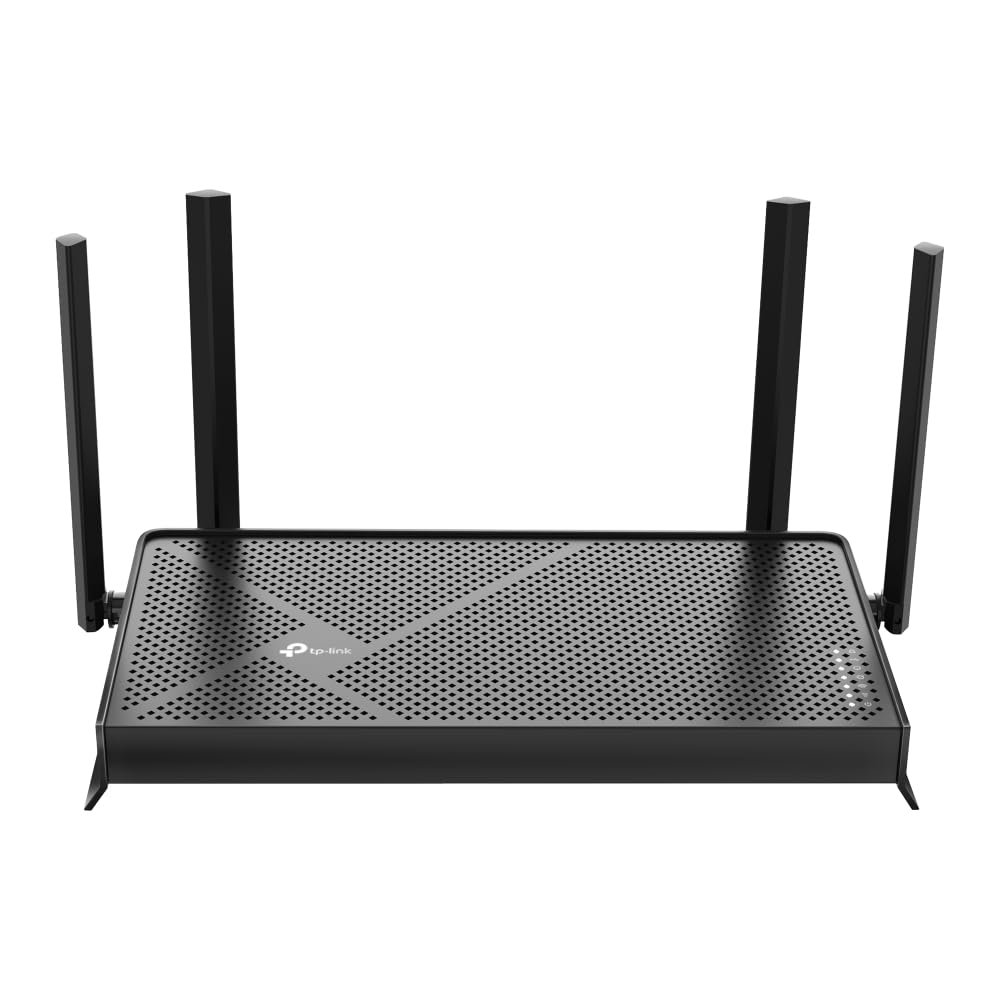
Read Amazon ReviewsTP-Link Archer BE230
Choose the BE230 if you want WiFi 7 and the listed multi-gig wired ports; choose the AXE75 if a tri-band WiFi 6E router with 6 GHz is the priority.
The BE230 offers two 2.5G ports, while the AXE75 provides a 2.5Gbps WAN port.
- The Archer BE230 is a dual-band WiFi 7 router with two 2.5G ports, three 1G ports, USB 3.0 and EasyMesh support.
- Its dual-band design does not include 6 GHz support.
- The Archer AXE75 is a tri-band WiFi 6E router with 6 GHz support and a 2.5Gbps WAN port.
Computer Routers alternative
500+ ratings
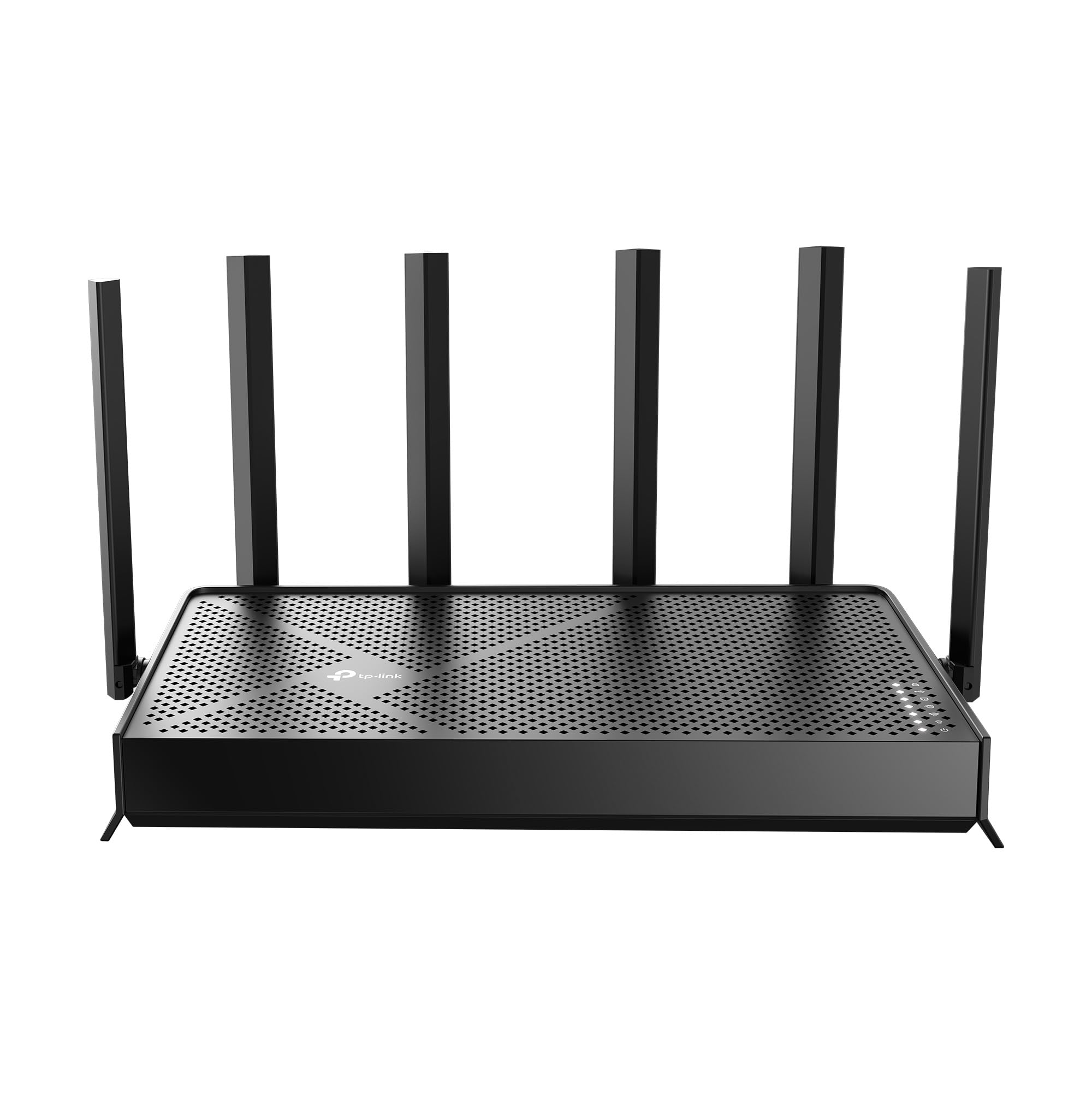
Read Amazon ReviewsTP-Link Archer BE600
Choose the BE600 if WiFi 7 and several multi-gig wired connections suit your setup; choose the AXE75 if WiFi 6E and its 6 GHz band meet your needs.
The BE600 lists a 10 Gbps WAN/LAN port and three 2.5 Gbps LAN ports, while the AXE75 lists a 2.5Gbps WAN port.
- The Archer BE600 is a tri-band WiFi 7 router with one 10 Gbps WAN/LAN port, one 2.5 Gbps WAN/LAN port, and three 2.5 Gbps LAN ports.
- Its WiFi 7 technology supports channels up to 320 MHz.
- The Archer AXE75 combines WiFi 6E tri-band support, a 6 GHz band and a 2.5Gbps WAN port with OneMesh and VPN features.
Is Archer AXE75 Worth It?
The TP-Link Archer AXE75 is worth considering if you want a tri-band WiFi 6E router with a 6 GHz band, OneMesh expansion and VPN server/client options.
Its feature set is aimed at households that can make use of those wireless and network management capabilities.
The tradeoffs are a modem requirement for most providers and reliance on an added OneMesh extender when expanding coverage.
Check device compatibility, WAN needs and modem setup before buying; if those fit, the AXE75 offers a well-rounded combination of 6 GHz WiFi 6E, mesh expansion and VPN options.
Your review at a glance
5,000+ ratings
Read Amazon ReviewsTP-Link Archer AXE75
A WiFi 6E router to consider for homes seeking a dedicated 6 GHz band, mesh expansion and built-in VPN options.
- Tri-band WiFi 6E router with 6 GHz, 5 GHz and 2.4 GHz bands.
- Up to 5400 Mbps combined WiFi speed, with band-specific figures of 2402 Mbps, 2402 Mbps and 574 Mbps.
- Supports 160 MHz channels and a 2.5Gbps WAN port.
- OFDMA and tri-band technology are designed to increase capacity for simultaneous transmissions.